At-home deeper read
Wear Homekit overnight. Upload. Share a clearer score.
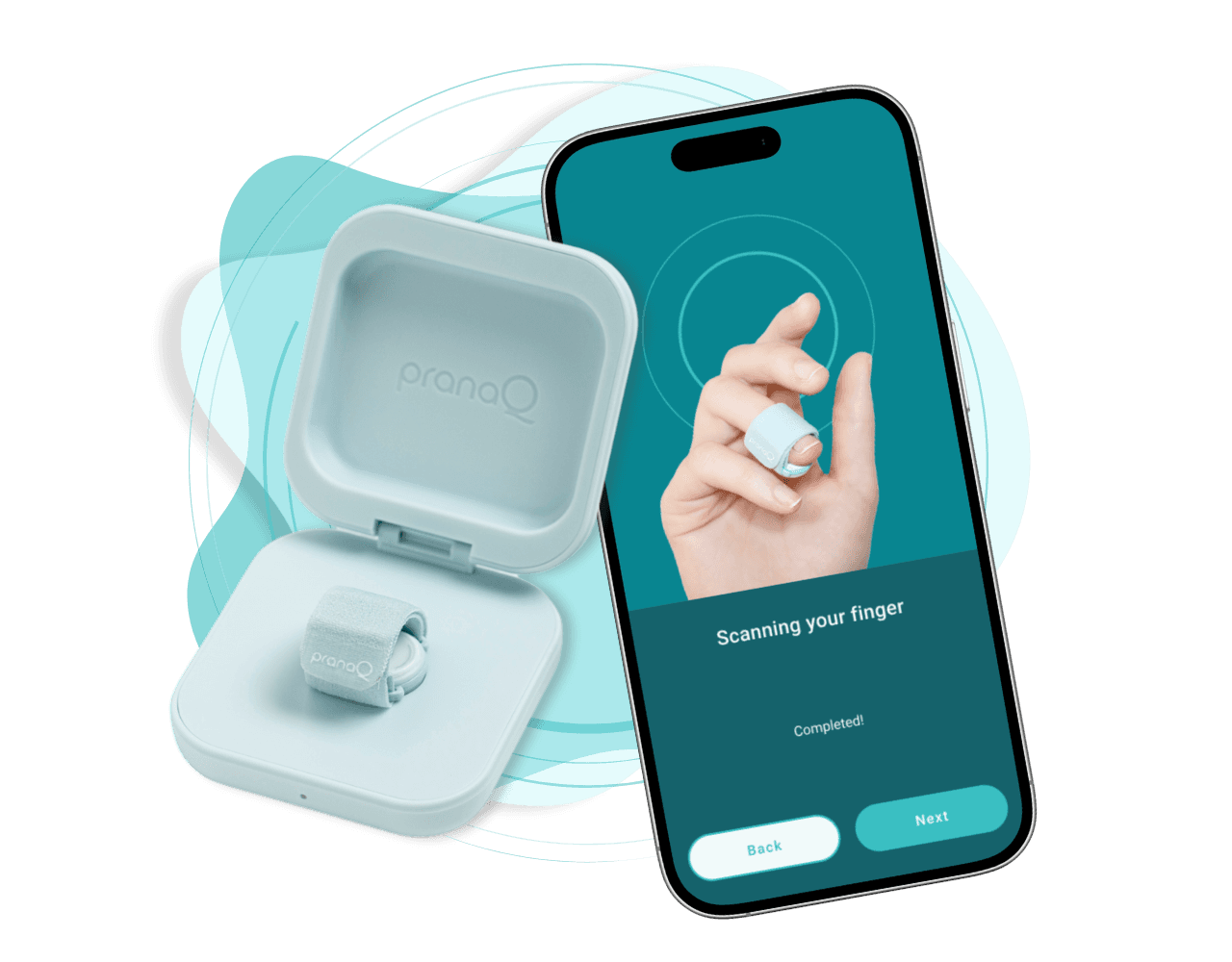
Step 1
Charge the sensor
Top up the case overnight, then open the companion app.
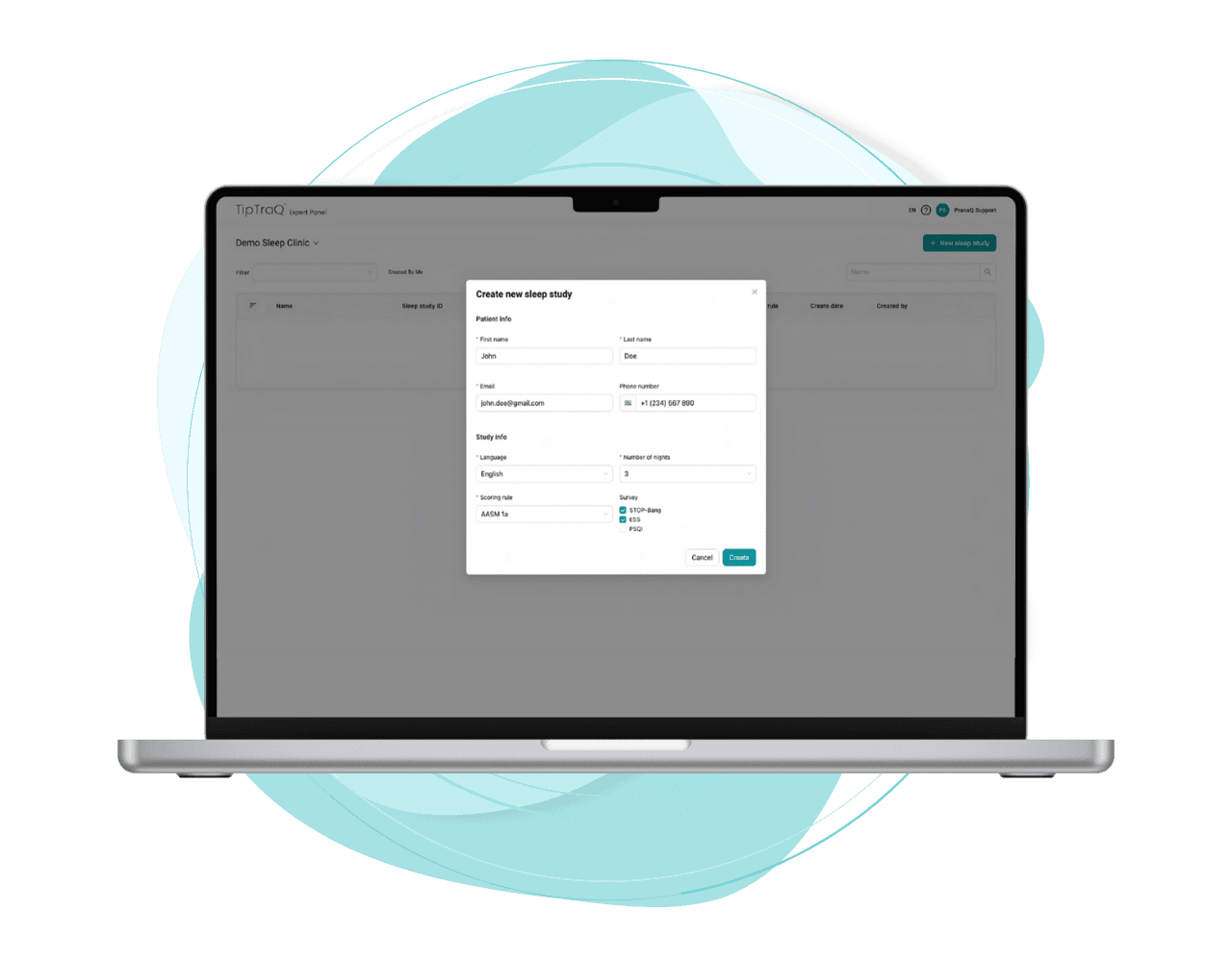
Step 2
Set up the app
Activate your study and confirm the details once.
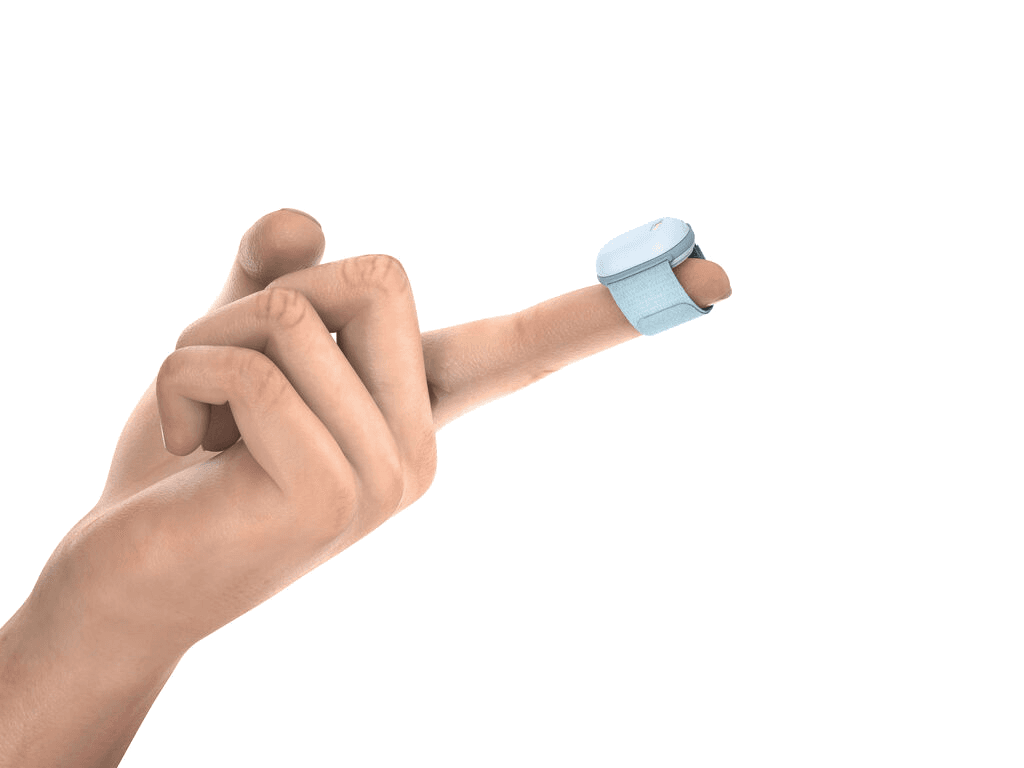
Step 3
Wear it overnight
Wrap the sensor, start recording, and sleep as usual.
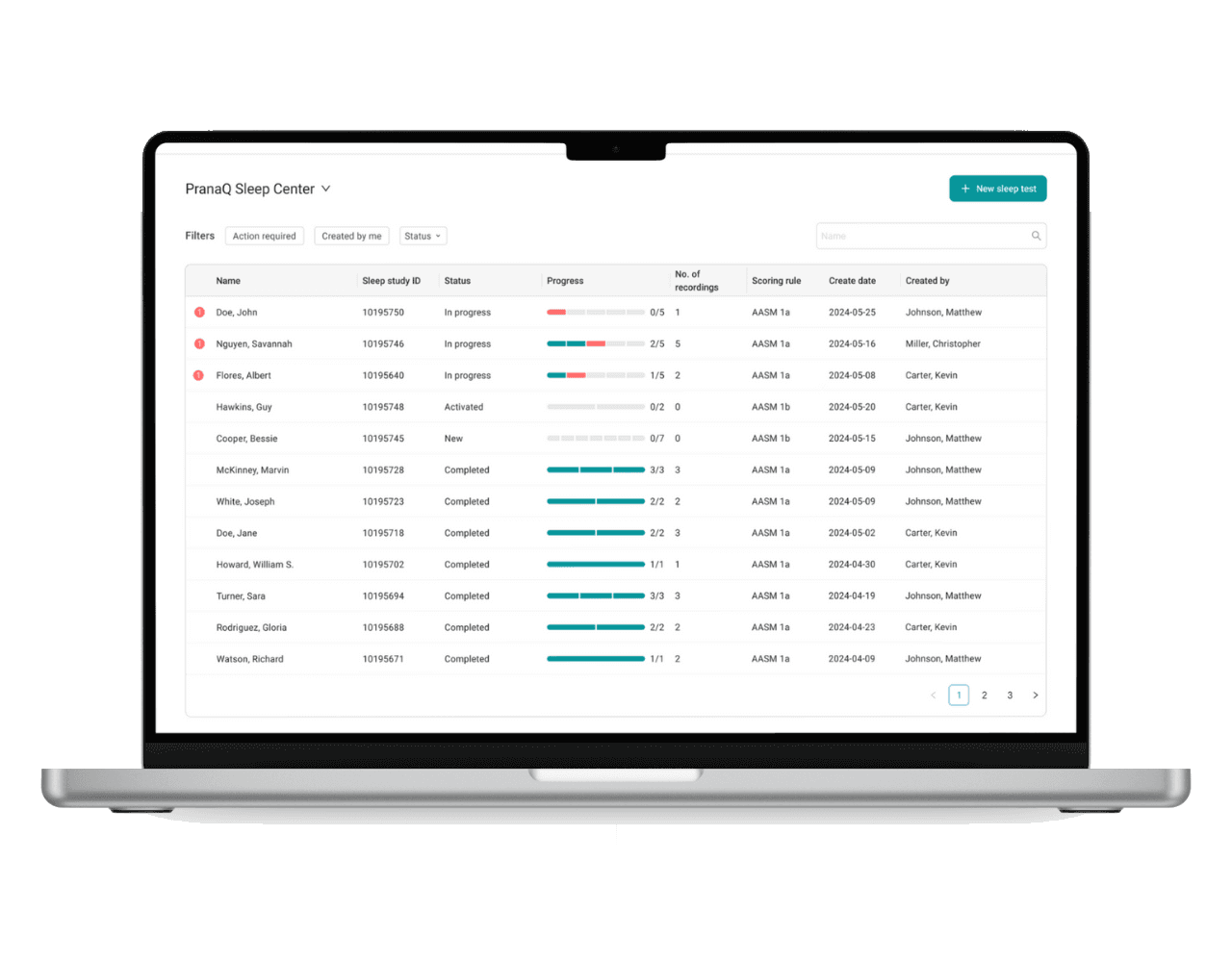
Step 4
Your nights sync
End each morning to upload — usually across three nights.
Step 5
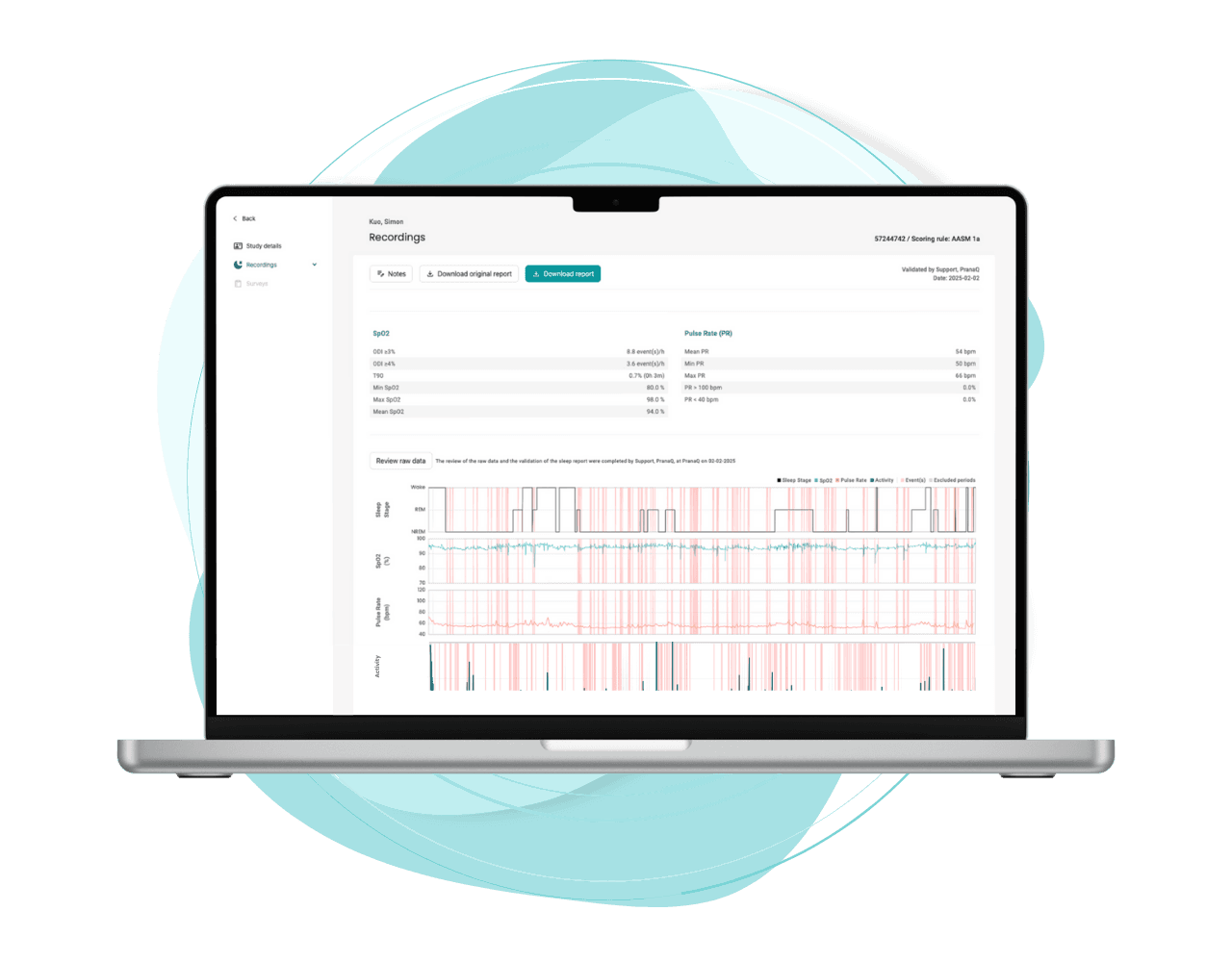
An expert reviews
Every recording is validated by a sleep professional.
Step 6
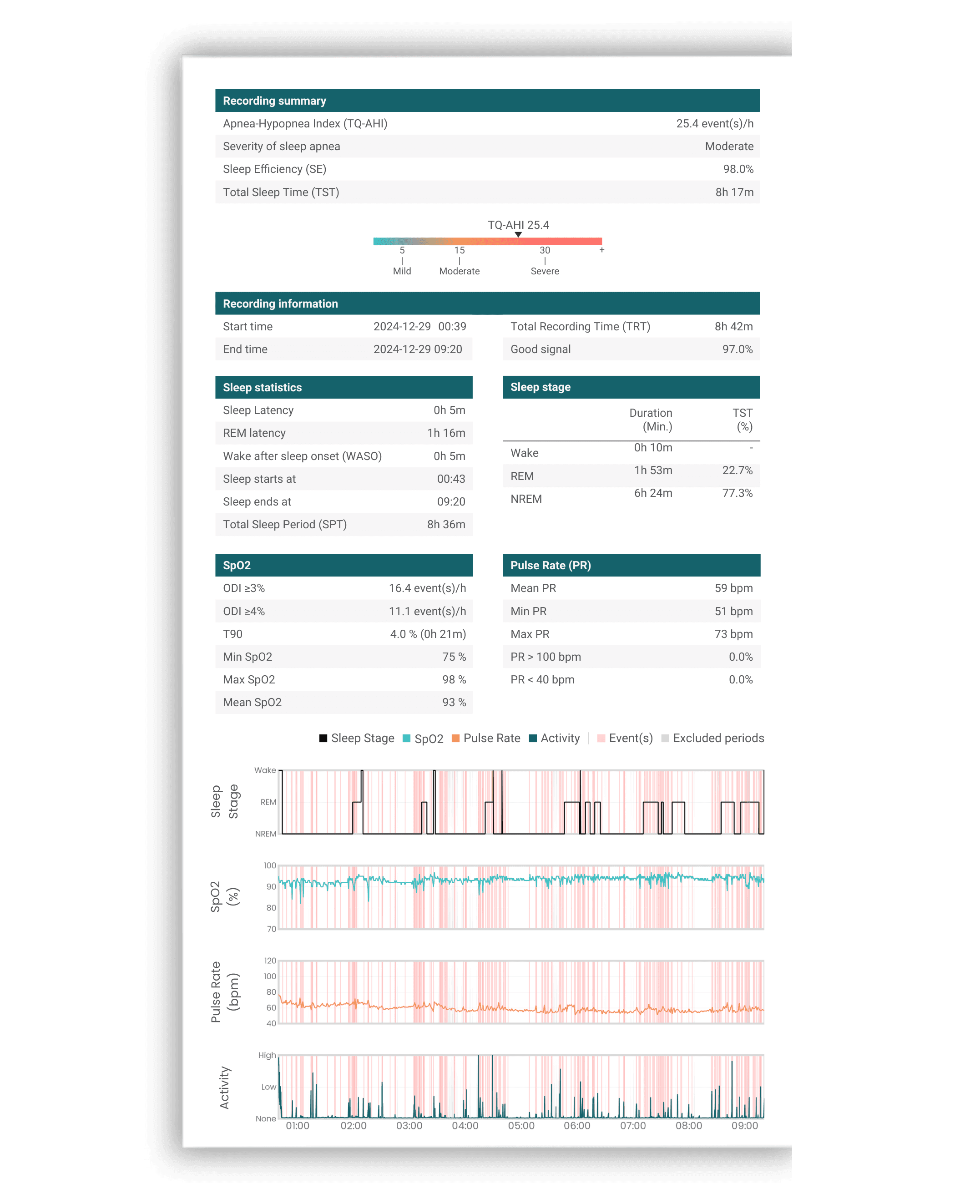
Your results
Clear oxygen, staging, and TQ-AHI for your chronotype.